Today, let’s dive into the world of access management in Sitecore. Roles and user – the dynamic duo that keeps your digital realm secure and thriving.
Roles: The Architects of Access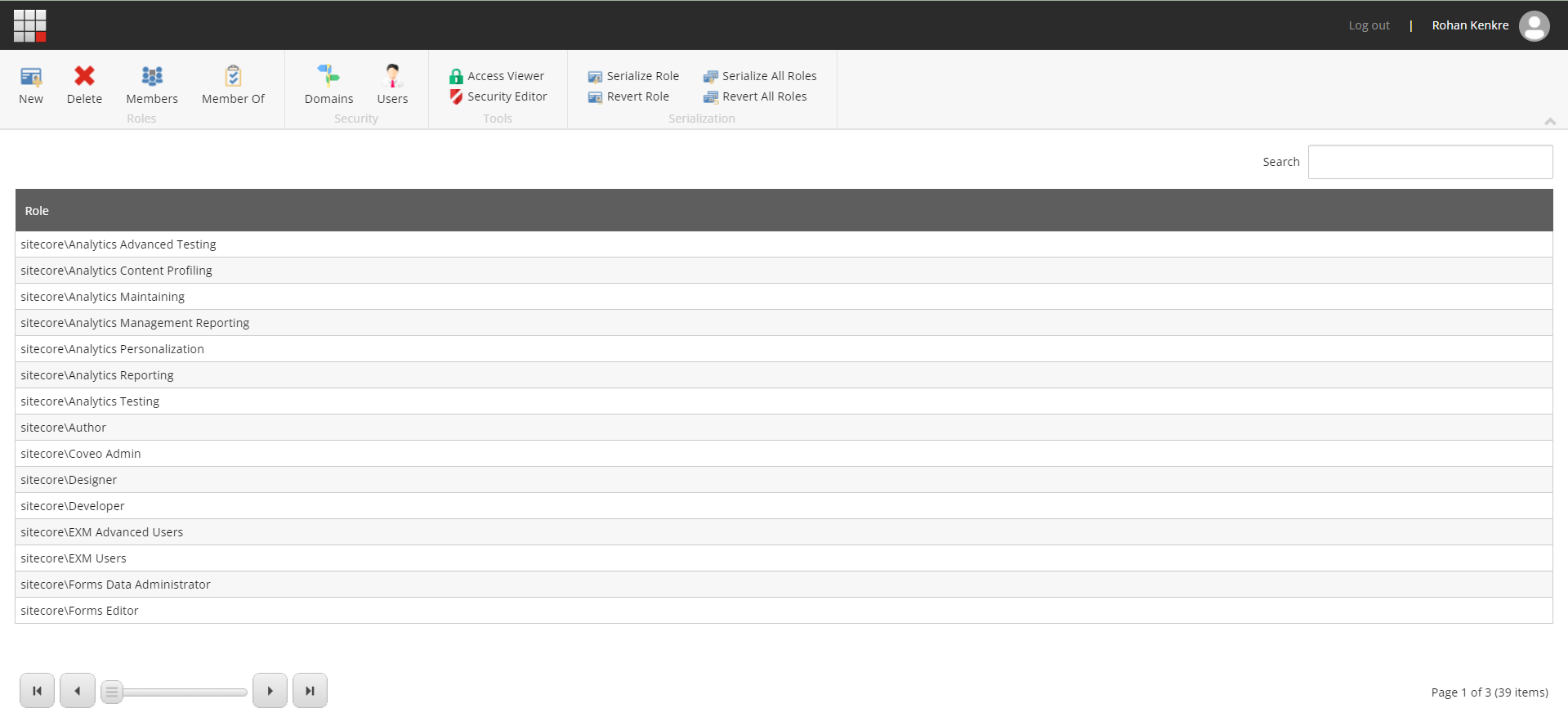
Roles are like the master architects, sketching out blueprints of permissions. The roles define who gets the keys to what, ensuring your website content stays organized and secure. Instead of micromanaging each person, roles categorize users based on their responsibilities. Editors, admins, marketers—all get a backstage pass to their specific realm.
Roles aren’t just about access; they’re about orchestration. Changing the order of permissions? Tweak the role, and every member gets an instant update. Roles keep things streamlined, preventing chaos in the symphony of access.
Users:
Now, let’s talk about the users! Each user is a unique entity, a digital account with a backstage pass to your Sitecore. They’re the ones who bring the roles to life.
Users can belong to multiple roles. It’s like having a passport stamped with different access destinations. A content author during the day, a marketing maestro by night.
Roles and users perform a graceful dance. Users wear the badges of their roles, and together, they create the magic of access. Need to elevate someone to a new level of authority? Just tweak their role, and the user inherits the upgrade. It’s a dynamic partnership that keeps your access management agile and responsive.
The Access Matrix Symphony
In Sitecore access management, roles and users compose a symphony. Roles lay down the music, setting a tone for permissions. Users, like skilled musicians, bring those roles to life, creating a masterpiece of secure and efficient access.
As you navigate the Sitecore, remember the roles and users. Together, they craft the symphony that ensures your digital experience remains both harmonious and secure. Cheers to the magic of Sitecore access management!
At times, we have seen that the users are assigned the permissions directly in Sitecore which is highly not recommended and will make your life harder maintaining such solution.
Highly recommended way is to assign all the permission to the role and the users should be enrolled to this role. If you are not doing this today, then revisit your roles and users, audit it, fix it.
Hope this info was helpful.
Thank you.. Keep Learning.. Keep Sitecoring.. 🙂
 Sitecore Diaries