Initially Sitecore (8.2 and below versions) used to have only one place for the license i.e. Data folder. From Sitecore 9.x, there are 3 websites which are created for us namely, Identity Server, xConnect and the main website.
The Data folder is no more and it is replaced by App_Data folder under the main website. So in case you are using a trial license or a license which will expire soon and you want to update it in your Sitecore 9.x instance then you will need to update it in 3 different places.
- In your App_Data folder under main website (in my case: C:\inetpub\wwwroot\sxademosc.dev.local\App_Data)
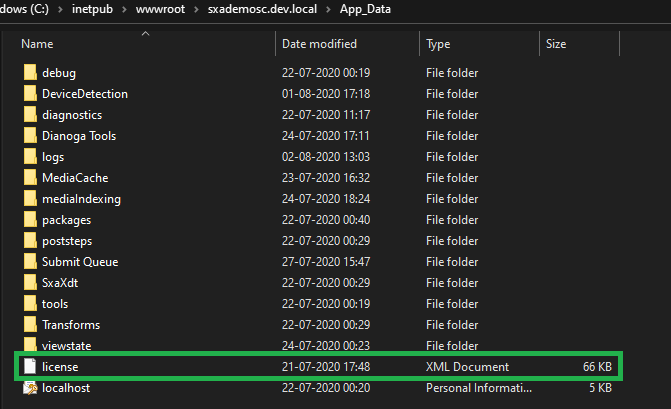
- In your App_Data folder under xConnect site (in my case: C:\inetpub\wwwroot\sxademoxconnect.dev.local\App_Data)

- And last i.e. in your Identity Server site under sitecoreruntime folder (in my case: C:\inetpub\wwwroot\sxademoidentityserver.dev.local\sitecoreruntime)

Hope this helps you.
Thank you.. Keep Learning.. Keep Sitecoring.. 🙂
 Sitecore Diaries